• Contact
  • About Me
  • Privacy Policy
  • Disclaimer
DefenceDev
  • Home
  • Blog
  • Linux Tutorials
    • Bash Scripting Lessons
    • Commands
    • Networking
    • Bash Scripts
  • Solutions
    • Docker
  • Network Tutorials
    • FortiGate
    • MikroTik
  • Projects
    • AdGuard
    • Immich
    • Nextcloud
    • WordPress
  • Cloud
  • Video Tutorials
    • YouTube Channel
    • MikroTik Videos
  • Web Tools
No Result
View All Result
  • Home
  • Blog
  • Linux Tutorials
    • Bash Scripting Lessons
    • Commands
    • Networking
    • Bash Scripts
  • Solutions
    • Docker
  • Network Tutorials
    • FortiGate
    • MikroTik
  • Projects
    • AdGuard
    • Immich
    • Nextcloud
    • WordPress
  • Cloud
  • Video Tutorials
    • YouTube Channel
    • MikroTik Videos
  • Web Tools
No Result
View All Result
DefenceDev
No Result
View All Result
Home Web Tools

Image Metadata Remover – Clean EXIF and GPS Info Online

neo by neo
November 28, 2025
in Web Tools
0
Image Metadata Remover – Clean EXIF and GPS Info Securely

Image Metadata Remover – Clean EXIF and GPS Info Securely

0
SHARES
64
VIEWS
Share on FacebookShare on LinkedIn

This online tool is provided as a free browser-based utility for personal or professional use. All operations are performed locally on your device — no data or images are uploaded to any server, ensuring your full privacy and data security. By using this tool, you acknowledge that it is provided “as-is” without any warranties or guarantees, and that DefenceDev.com (or its affiliates) is not liable for any loss, damage, or data issues resulting from its use.

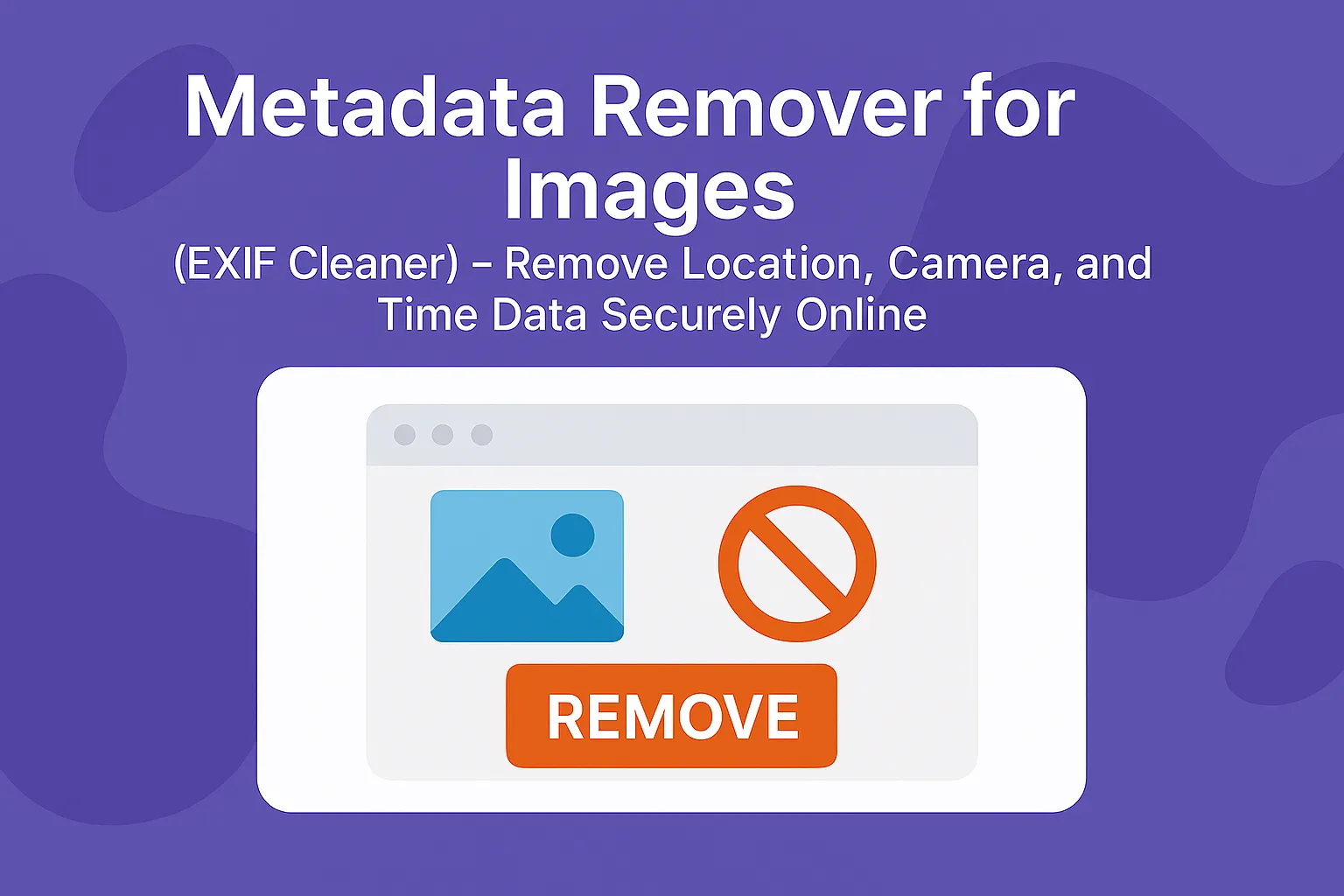
Metadata Remover for Images (EXIF Cleaner)

Drag and drop your images here or click to select files. This tool removes EXIF data (location, camera info, date/time) to protect your privacy — everything works locally in your browser.

Drop images here or click to upload

Cleaned Files:

    How the Online Image Metadata Remover Works

    This online Metadata Remover for Images (EXIF Cleaner) works entirely inside your web browser. When you upload or drag and drop a photo, the tool instantly loads it into a local canvas element. It redraws the image pixel by pixel and saves it as a new JPEG file. During the process, the tool completely removes all EXIF metadata — including location coordinates, camera make and model, date and time, and device information.
    The conversion happens only in your browser. Your images never leave your computer, which makes the process private and secure. You can download the cleaned photo instantly or export multiple files as a ZIP archive.

    Is this tool free and safe to use?

    Yes, this tool is completely free and safe. Your browser handles all conversions locally. No files ever leave your device or get uploaded to a server.
    This means your images stay private, and conversion happens instantly without delays.

    Why Privacy Matters

    Every photo you take stores invisible data called EXIF metadata. This data can reveal where and when the picture was taken and even the exact GPS coordinates of your home or workplace. Many people share images on social networks or websites without realizing this hidden information travels with them.
    By removing EXIF data before sharing, you stay in control of your personal information. Journalists, photographers, and security professionals often clean images to protect sources, locations, and sensitive project details.

    About Your Privacy

    This EXIF cleaner runs entirely on your device — it doesn’t upload, store, or send anything to a server. Your browser handles everything, keeping your files completely private. Whether you’re using Chrome, Firefox, or Safari, your data stays on your device at

    Conclusion

    The Metadata Remover for Images offers a fast, simple, and secure way to clean your photos before sharing them online. It protects your privacy, reduces risk, and gives you peace of mind. With just one click, you can safely remove location and device data and keep your personal details private — directly in your browser, without any installations or uploads.

    You can also explore other free tools for image optimization and conversion:

    • Image Optimizer (Resizer) – compress and resize your photos for web or documentation.
    • HEIC to JPG Converter – quickly convert Apple HEIC images to standard JPG format.
    • JPG to WebP Converter – reduce file size and speed up your website with modern WebP images.

    These tools work completely offline in your browser, keeping your privacy intact while helping you manage and optimize your image collection safely and efficiently.
    Previous Post

    Image Optimizer – Convert and Resize Photos in Browser (No Upload Required)

    Next Post

    Online WebP to JPG Converter

    neo

    neo

    Related Posts

    View & Copy Image Metadata Online – Camera & GPS Info
    Web Tools

    View & Copy Image Metadata Online – Camera & GPS Info

    Online WebP to JPG Converter
    Web Tools

    Online WebP to JPG Converter

    Image Optimizer – Convert and Resize Photos in Browser (No Upload Required)
    Web Tools

    Image Optimizer – Convert and Resize Photos in Browser (No Upload Required)

    JPG to WebP Conversion
    Web Tools

    JPG to WebP Conversion – No Upload Needed 

    Next Post
    Online WebP to JPG Converter

    Online WebP to JPG Converter

    Recommended

    NextCloud: Port Forwarding - Essential Ports for Smooth Functionality

    NextCloud: Port Forwarding – Essential Ports for Smooth Functionality and Remote Access

    Lesson 2: Linux Bash Variables

    Lesson 2: Linux Bash Variables

    Install Portainer on Ubuntu 24.04 Using Docker Compose

    Install Portainer on Ubuntu 24.04 Using Docker Compose

    FortiGate Country Address Object Generator – Block or Allow Access by Country

    FortiGate Country Address Object Generator – Block or Allow Access by Country

    View & Copy Image Metadata Online – Camera & GPS Info

    View & Copy Image Metadata Online – Camera & GPS Info

    Categories

    • Blog
    • Cloud
      • Private
    • Linux Tutorials
      • Bash Scripting Tutorials
      • Commands
      • Networking
    • Network Tutorials
      • FortiGate
      • MikroTik
    • Projects
      • AdGuard
      • Immich
      • Nextcloud
      • WordPress
    • Solutions
      • Docker
    • Video Tutorials
      • MikroTik Videos
    • Web Tools

    DefenceDev Tutorials

    defencedev Logo

    Whether you’re just starting or looking to expand your skills, I hope you find useful information and engaging discussions here. Let me take you through my journey and the goals behind this space!

    Follow Us

    Recent News

    Install Portainer on Ubuntu 24.04 Using Docker Compose

    Install Portainer on Ubuntu 24.04 Using Docker Compose

    FortiGate Country Address Object Generator – Block or Allow Access by Country

    FortiGate Country Address Object Generator – Block or Allow Access by Country

    • Site Map
    • Privacy Policy
    • Facebook Page
    • Disclaimer
    • Contact
    • About Me

    © 2025 defencedev.com - All rights reserved.

    No Result
    View All Result
    • Home
    • Blog
    • Linux Tutorials
      • Bash Scripting Lessons
      • Commands
      • Networking
      • Bash Scripts
    • Solutions
      • Docker
    • Network Tutorials
      • FortiGate
      • MikroTik
    • Projects
      • AdGuard
      • Immich
      • Nextcloud
      • WordPress
    • Cloud
    • Video Tutorials
      • YouTube Channel
      • MikroTik Videos
    • Web Tools

    © 2025 defencedev.com - All rights reserved.