• Contact
  • About Me
  • Privacy Policy
  • Disclaimer
DefenceDev
  • Home
  • Blog
  • Linux Tutorials
    • Bash Scripting Lessons
    • Commands
    • Networking
    • Bash Scripts
  • Solutions
    • Docker
  • Network Tutorials
    • FortiGate
    • MikroTik
  • Projects
    • AdGuard
    • Immich
    • Nextcloud
    • WordPress
  • Cloud
  • Video Tutorials
    • YouTube Channel
    • MikroTik Videos
  • Web Tools
No Result
View All Result
  • Home
  • Blog
  • Linux Tutorials
    • Bash Scripting Lessons
    • Commands
    • Networking
    • Bash Scripts
  • Solutions
    • Docker
  • Network Tutorials
    • FortiGate
    • MikroTik
  • Projects
    • AdGuard
    • Immich
    • Nextcloud
    • WordPress
  • Cloud
  • Video Tutorials
    • YouTube Channel
    • MikroTik Videos
  • Web Tools
No Result
View All Result
DefenceDev
No Result
View All Result
Home Web Tools

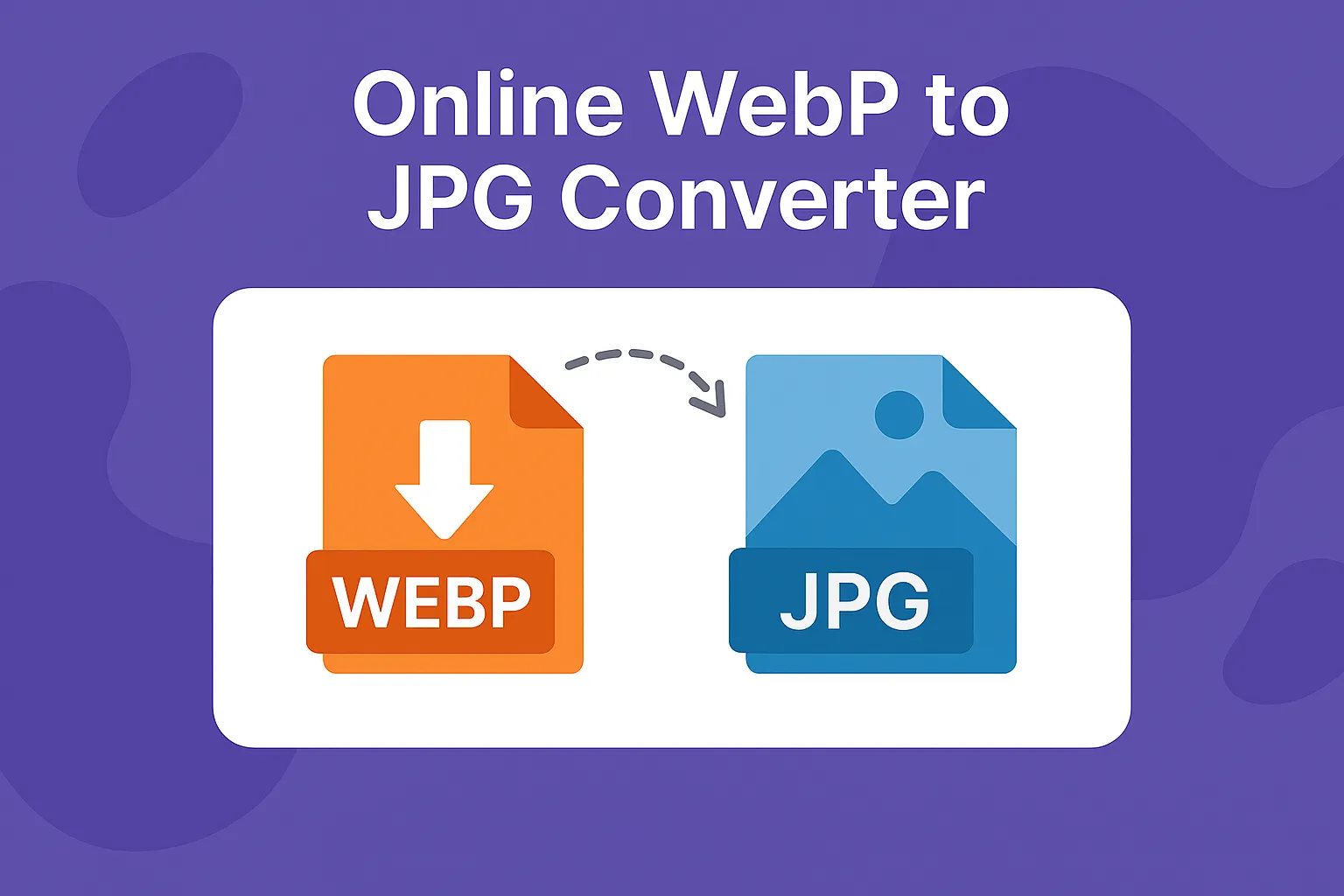
Online WebP to JPG Converter

neo by neo
November 28, 2025
in Web Tools
0
Online WebP to JPG Converter

Online WebP to JPG Converter

0
SHARES
90
VIEWS
Share on FacebookShare on LinkedIn

Disclaimer
This online tool is provided as a free browser-based utility for personal or professional use. All operations are performed locally on your device — no data or images are uploaded to any server, ensuring your full privacy and data security. By using this tool, you acknowledge that it is provided “as-is” without any warranties or guarantees, and that DefenceDev.com (or its affiliates) is not liable for any loss, damage, or data issues resulting from its use.

Drag & Drop WebP to JPG Converter

Drag and drop WebP images here or click to select files.

Drop files here or click to upload

Converted Files:

    How does this Online WebP to JPG Converter Work?

    You can easily convert WebP to JPG online using this fast and secure browser-based tool — no uploads, no data sharing, and full image quality preserved.

    Our Drag & Drop WebP to JPG converter processes your images directly in your browser. You can drag and drop one or more WebP images or click to upload them. The conversion happens locally using your device’s processing power — no uploads, no servers, and complete privacy.

    Can I Convert Multiple Images at Once?

    Yes. The converter supports batch conversion. Simply drop several WebP files or select them manually, click “Convert All”, and then download the converted JPGs individually or as a single ZIP archive.

    Why Convert WebP to JPG?

    While WebP is an efficient format for the web, not all platforms, apps, or image editors support it. Converting to JPG ensures maximum compatibility for editing, sharing, or archiving, while keeping excellent image quality.

    Is this converter free and safe to use?

    Yes — it’s completely free, fast, and secure. All conversions happen locally in your browser, so your images never leave your computer. There’s no upload, no data collection, and no waiting — just instant results.

    Conclusion

    The WebP to JPG Converter provides a fast, secure, and fully browser-based solution to convert your WebP images into JPG format without uploading them to any server. It supports multiple files at once and allows you to download images individually or as a ZIP archive.

    Check out other useful tools:
    • JPG to WebP Converter
    • Images Metadata Remover
    • Image Optimizer & Resizer
    • JPG to WebP Converter
    Previous Post

    Image Metadata Remover – Clean EXIF and GPS Info Online

    Next Post

    View & Copy Image Metadata Online – Camera & GPS Info

    neo

    neo

    Related Posts

    View & Copy Image Metadata Online – Camera & GPS Info
    Web Tools

    View & Copy Image Metadata Online – Camera & GPS Info

    Image Metadata Remover – Clean EXIF and GPS Info Securely
    Web Tools

    Image Metadata Remover – Clean EXIF and GPS Info Online

    Image Optimizer – Convert and Resize Photos in Browser (No Upload Required)
    Web Tools

    Image Optimizer – Convert and Resize Photos in Browser (No Upload Required)

    JPG to WebP Conversion
    Web Tools

    JPG to WebP Conversion – No Upload Needed 

    Next Post
    View & Copy Image Metadata Online – Camera & GPS Info

    View & Copy Image Metadata Online – Camera & GPS Info

    Recommended

    Linux Networking: Display Open Ports and Listening Services

    Linux Networking: Display Open Ports and Listening Services

    Organize and Manage Photos with Immich: Features I Use

    Organize and Manage Photos with Immich: Features I Use

    Install Portainer on Ubuntu 24.04 Using Docker Compose

    Install Portainer on Ubuntu 24.04 Using Docker Compose

    FortiGate Country Address Object Generator – Block or Allow Access by Country

    FortiGate Country Address Object Generator – Block or Allow Access by Country

    View & Copy Image Metadata Online – Camera & GPS Info

    View & Copy Image Metadata Online – Camera & GPS Info

    Categories

    • Blog
    • Cloud
      • Private
    • Linux Tutorials
      • Bash Scripting Tutorials
      • Commands
      • Networking
    • Network Tutorials
      • FortiGate
      • MikroTik
    • Projects
      • AdGuard
      • Immich
      • Nextcloud
      • WordPress
    • Solutions
      • Docker
    • Video Tutorials
      • MikroTik Videos
    • Web Tools

    DefenceDev Tutorials

    defencedev Logo

    Whether you’re just starting or looking to expand your skills, I hope you find useful information and engaging discussions here. Let me take you through my journey and the goals behind this space!

    Follow Us

    Recent News

    Install Portainer on Ubuntu 24.04 Using Docker Compose

    Install Portainer on Ubuntu 24.04 Using Docker Compose

    FortiGate Country Address Object Generator – Block or Allow Access by Country

    FortiGate Country Address Object Generator – Block or Allow Access by Country

    • Site Map
    • Privacy Policy
    • Facebook Page
    • Disclaimer
    • Contact
    • About Me

    © 2025 defencedev.com - All rights reserved.

    No Result
    View All Result
    • Home
    • Blog
    • Linux Tutorials
      • Bash Scripting Lessons
      • Commands
      • Networking
      • Bash Scripts
    • Solutions
      • Docker
    • Network Tutorials
      • FortiGate
      • MikroTik
    • Projects
      • AdGuard
      • Immich
      • Nextcloud
      • WordPress
    • Cloud
    • Video Tutorials
      • YouTube Channel
      • MikroTik Videos
    • Web Tools

    © 2025 defencedev.com - All rights reserved.